
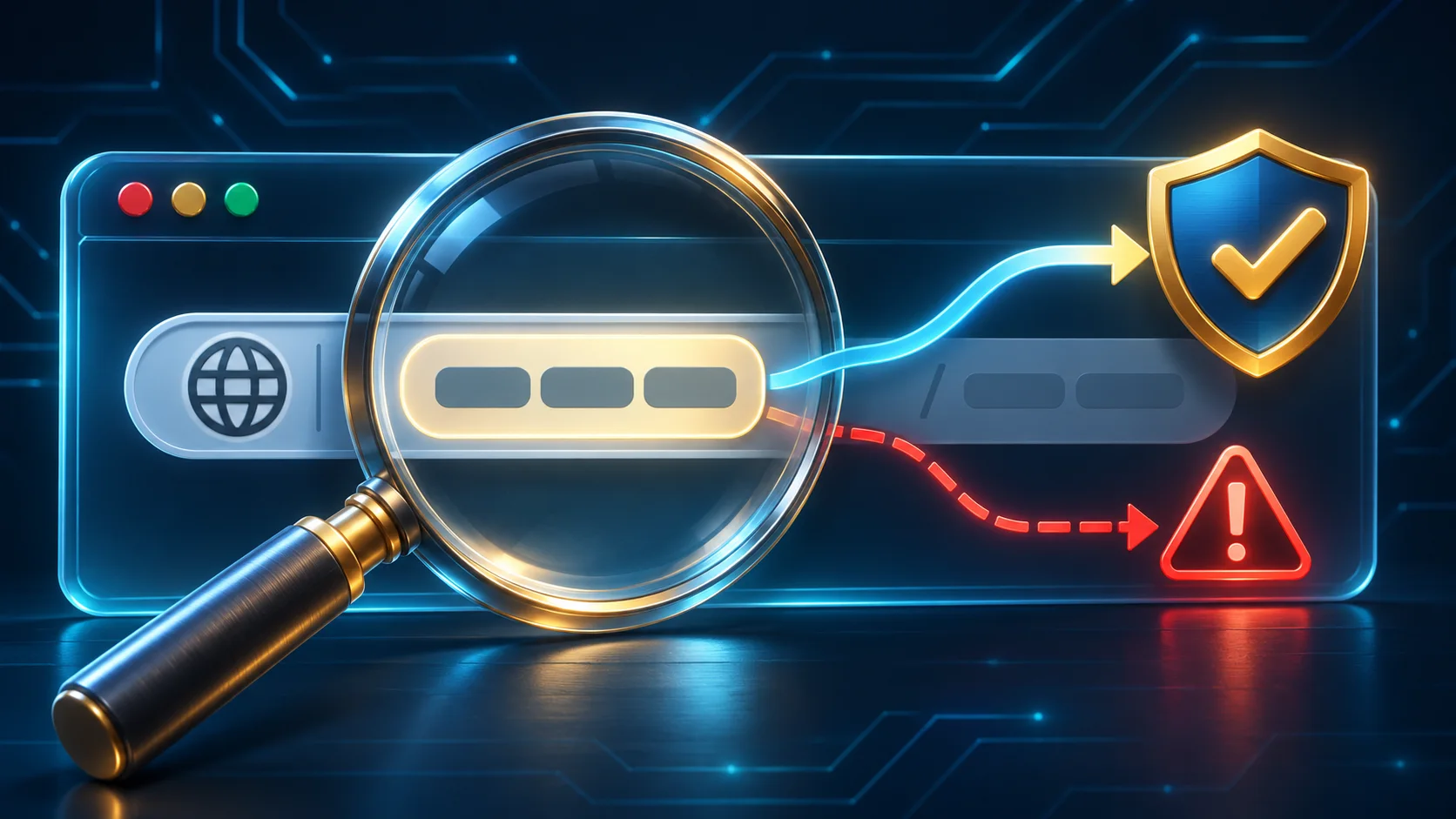
Learn how to verify an ACE66 link by reading the hostname, spotting lookalike domains, checking redirects and responding safely to suspicious pages.
Known starting point
Begin with a route you verified before the message arrived
The safest comparison starts with an address you obtained independently, not with the link that is asking to be trusted.
A message cannot verify itself. If an SMS, email, WhatsApp message, Telegram chat or social media reply says that an ACE66 account needs immediate attention, do not use the same message as proof of where to sign in. Open a bookmark that you previously checked, use an address already recorded in a trusted source, or reach the current contact page through a route you opened yourself. This separates the warning from the destination used to investigate it.
A saved bookmark is useful only if it was created from a page you had already verified. Do not bookmark a page after arriving through a surprise promotion, a sponsored search result or an unsolicited support message. Give a trusted ACE66 bookmark a clear name, keep it in the browser profile you control and replace it only after checking why the destination changed. If the bookmark suddenly leads through another hostname, close the page and verify the change through a separate channel.
Search placement is not an ownership check. A result can appear first because it is an advertisement, matches the query well or has been designed to resemble the name a user typed. Read the displayed address before opening a result, then inspect the address bar again after the page loads. If you are trying to reach ACE66 support, avoid a phone number or chat account found only inside an advertisement. Return to the independently verified website and use the contact information published there.
Keep the standard practical. You do not need to prove who built every page on the internet. You need enough confidence that the hostname matches the destination you intended to reach and that no unexplained redirect changed it. When the evidence is incomplete, stop. Delaying a login or payment is safer than testing a doubtful ACE66 page with real credentials.
URL anatomy
Find the ACE66 hostname before judging the link
Expand the full address
On desktop, place the pointer over a link and read the destination shown by the browser. On mobile, use the device's preview or copy function without opening the page, then inspect the complete address in a plain text field. A button labelled ACE66 can lead somewhere unrelated, so the visible button text is not enough.
Separate the connection label
The beginning, such as https://, describes how the browser connects. It is not the hostname. Move past that label before comparing the website name. Do not let the familiar https text distract you from a different ACE66 destination later in the address.
Stop at the first slash, question mark or hash
The hostname sits after the connection label and before the first /, ? or #. Text after that separator is a path, query or page fragment. A scammer can place ACE66 words in the path of an unrelated site, where they do not identify the owner of the hostname.
Read the hostname from right to left
Start with the ending and move left across each dot. The registered portion is near the right, while words farther left are subdomains controlled by that site. In an address shaped like ace66.example.invalid, the important controlling name is example.invalid, not the ACE66 word at the far left.
Notice extra separators
Be cautious when an address contains an @ sign, an unexpected port after a colon, repeated slashes or a very long string that hides the meaningful part. Browsers may shorten what they display in a narrow window. Select the address bar and review the whole ACE66 link before entering anything.
Compare character by character
Put the candidate hostname beside the destination you previously verified. Check spelling, word order, punctuation and the ending. Do not rely on memory of the page design. If one character or label differs and you cannot independently explain the change, leave the page.
Lookalike domain check
Treat small ACE66 spelling changes as meaningful
| Pattern to inspect | What can be misleading | What to do |
|---|---|---|
| A letter is replaced with a similar character | Lowercase l, capital I, the number 1, letter o and number 0 can look alike in some fonts. A copied ACE66 page may depend on a quick glance. | Select the address bar, enlarge the text if needed and compare every character with the verified hostname. |
| A letter, word or hyphen is added or missing | Terms such as secure, login, vip, support or malaysia can make a different domain sound plausible. Extra wording does not make it an official ACE66 link. | Ignore the persuasive word and identify the controlling domain near the right side of the hostname. |
| The familiar name appears before another domain | Words placed to the left of a controlling domain are subdomains. A hostname can contain an ACE66 label while still belonging to an unrelated registered name. | Read right to left and compare the registered portion, not the first word you recognise. |
| The familiar name appears after a slash or question mark | Paths and query text can say almost anything. They do not change who controls the hostname. | Stop reading at the first slash, question mark or hash when identifying the website. |
| The address uses unfamiliar symbols or an xn-- label | Internationalised domains can represent legitimate languages, but visually similar Unicode characters can also disguise a lookalike ACE66 hostname. | Do not sign in when the representation is unexpected. Compare through a known route and ask verified support if the change is legitimate. |
| The domain ending is different | A familiar brand word followed by another ending is a separate hostname. The page may still copy the same layout and language. | Confirm the complete current hostname independently instead of assuming every ending belongs to the same operator. |
HTTPS and the padlock
Encryption protects the connection, not the identity you assumed
Hidden destinations
Reveal where an ACE66 link finishes before trusting it
| How the link appears | What is hidden | Safer check |
|---|---|---|
| A shortened URL in a message or post | The short address does not show the final hostname and may pass through several tracking or redirect services. | Use a trusted preview function if available, but do not treat the preview as approval. Open the ACE66 destination independently instead. |
| A QR code on a poster, image, email or screen | The destination is invisible until the camera or scanner decodes it. A replacement sticker or altered image can point somewhere else. | Read the preview shown by the phone without opening it. Compare the hostname character by character, then use a known route if uncertain. |
| A sponsored search result | The headline and display text can resemble a genuine ACE66 login while the click leads through an advertiser or unrelated domain. | Do not assume the top result is official. Read the destination and use your verified bookmark or known address. |
| A link from a profile, group or private message | A copied name, logo, follower count or old post history does not prove who controls the account today. | Leave the conversation and reach ACE66 contact guidance through the independently verified website. |
| The address changes after the page opens | A legitimate service can redirect, but an unexplained change may move the login to a different hostname or insert a credential-collection page. | Check the final address before typing. Close it when the new hostname cannot be verified separately. |
| A link downloads an APK, extension, profile or document | The file can add permissions, read browser data, capture messages or create remote access. | Cancel the download. Obtain software only through the device or browser vendor's official source before returning to ACE66. |
Before entering information
Let the request itself trigger a second link check
Stop at every password form
A polished login form is easy to copy. Before typing an ACE66 username or password, select the address bar, check the final hostname and confirm that no message or search ad supplied the route. A password manager that normally fills the verified site but stays blank on this page is another reason to stop, not a reason to paste manually.
Use an OTP only for an action you started
An unexpected code does not prove that the page or caller is genuine. Never read an ACE66 OTP to another person, send it in chat or enter it into a hostname you have not verified. A code can authorise access even when someone describes it as a ticket number or identity check.
Verify the route before a payment instruction
Pause when a page or agent introduces a new bank account, wallet, QR code, fee or transfer instruction. Check the current ACE66 information through a separate known route. Never make a small test payment merely to see whether a doubtful page works.
End the conversation before contacting support
Impersonators may reply to public complaints and move the discussion into private messages. Do not let the same ACE66 support profile provide both the alarming claim and the link used to resolve it. Open verified contact guidance independently and start a fresh conversation there.
Confirm purpose before uploading a document
A request for identity material needs a verified destination, a clear reason and only the fields required for that process. Do not upload an unredacted document to an ACE66 link received through chat. Check current privacy guidance and remove unrelated information where the official instructions allow it.
Treat urgency as a reason to slow down
Threats of immediate closure, lost funds, expired rewards or police action are designed to shorten the verification step. A legitimate deadline does not change the hostname. Close the message, open the known ACE66 route and confirm the claim without sharing secrets.
Browser safety signals
Stop when the browser warns about ACE66 danger or identity
Do not continue through a red warning page
Chrome, Edge, Safari and other browsers can warn about suspected phishing, malware or deceptive pages. Do not use the advanced option to continue to an ACE66 page just because a message says the warning is wrong. Close the tab and reach the intended destination independently.
Do not dismiss privacy or certificate errors
A certificate-name mismatch, expired certificate or untrusted issuer means the browser cannot establish the expected protected connection. Do not enter credentials, install a fix supplied by the page or change the device clock merely to proceed.
Reject unrelated permission requests
A link check does not require notification access, accessibility control, screen sharing, clipboard reading, a device administrator or a browser extension. Deny unexpected permissions and close the ACE66 page. Review browser and device settings if permission was already granted.
Use a reputation check as evidence, not proof
A browser vendor's site-status tool can reveal whether a hostname is currently flagged. A warning is a strong reason to stop. A clean result only means the tool has not flagged that address at that time; it does not establish official ACE66 ownership.
Record the hostname without revisiting it
If you need to report a suspicious page, copy the displayed address only when it can be done safely and do not reopen the link for a better screenshot. Preserve the time, message source and non-sensitive wording. Remove passwords, OTPs, identity details and full payment data before sharing evidence.
After a suspicious click
Match the response to what happened
Opening an ACE66 link, downloading a file, entering a password and sending money create different risks, so record the action and respond in that order.
If the page opened but you did not type, download or approve anything, close the tab. Do not return to check whether it was really fake. Clear an unexpected download if one began, review the browser's recent download list and update the browser through its official source. Then open the known ACE66 route separately and compare the alert there. A click alone does not prove account compromise, but it is enough reason to watch for unusual prompts and messages.
If you entered an ACE66 password, use a clean device and a known destination to change it immediately. Replace the password anywhere else it was reused, starting with the connected email account because email may receive reset links. Review any current session, recovery-detail or security controls that the live account page actually provides. Do not assume a feature exists from an old screenshot, and do not send the new password to support.
If you entered an OTP, approved a prompt or gave remote access, act as though someone may have completed an authorisation. End remote sessions, remove unattended-access permissions and secure the email, phone and password manager connected to ACE66. Use verified support to describe the time and action without repeating the code. If the device may contain unwanted software, disconnect it if necessary, update trusted security tools from their official source and run a scan. Use another clean device for urgent credential changes.
If payment details or money were involved, contact the bank, card issuer or e-wallet through its official app, statement or saved number. Explain what was shared or sent, follow its fraud process and monitor records. Do not make another transfer to release, reverse or protect an ACE66 balance. Keep transaction references and a concise timeline, but redact complete card numbers, account credentials and unrelated personal information before sending anything elsewhere.
Finally, report the suspicious ACE66 link through verified contact guidance and keep the response focused on observable facts: the displayed hostname, where the link appeared, the approximate time, what the page requested and what action you took. In Malaysia, serious phishing or malicious-link incidents can also be reported through the current CyberSecurity Malaysia incident route. Financial loss may require an immediate report to the relevant financial provider and the current national scam-response channel. Check official contact details at the time because reporting routes and operating hours can change.
Official link FAQ
Resolve the checks that often cause confusion
Does a padlock prove that an ACE66 link is official?
No. It shows that the browser has an encrypted connection to the displayed hostname. A deceptive website can also use HTTPS. Read the complete hostname and compare it with a destination verified independently.
Can I trust the first ACE66 result in Google or another search engine?
Not on placement alone. The first item may be sponsored or may imitate a familiar brand. Inspect the destination before opening it and prefer a bookmark or address that you already verified.
Is a link safe when a browser checker does not flag it?
A clean status is useful but not proof. Reputation systems may not know about a new or narrowly targeted page, and they do not establish brand ownership. Continue with the hostname and source checks.
What should I do with an ACE66 link sent by support?
Do not let the sender verify the sender. Leave the conversation, open the known website yourself and start through its current contact route. Never provide a password or OTP in order to confirm a support identity.
Should I open a suspicious link in private browsing mode?
No. Private browsing reduces some local history and cookie sharing, but it does not make a fake website genuine, block every download or protect information you submit. Inspect the destination without opening it, then use a verified route.